Unmanned Pump Control, Choose 3S


 Language
Language
Shanghai 3S Global Company Limited

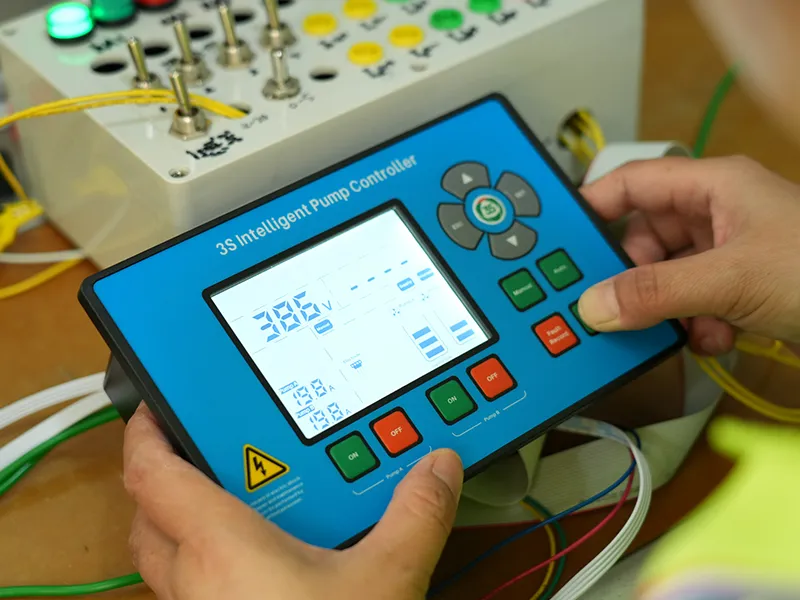
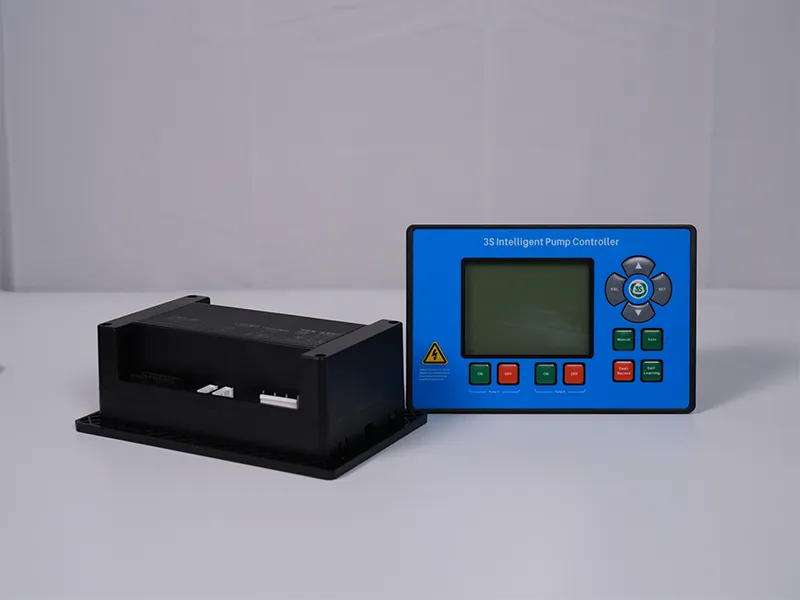
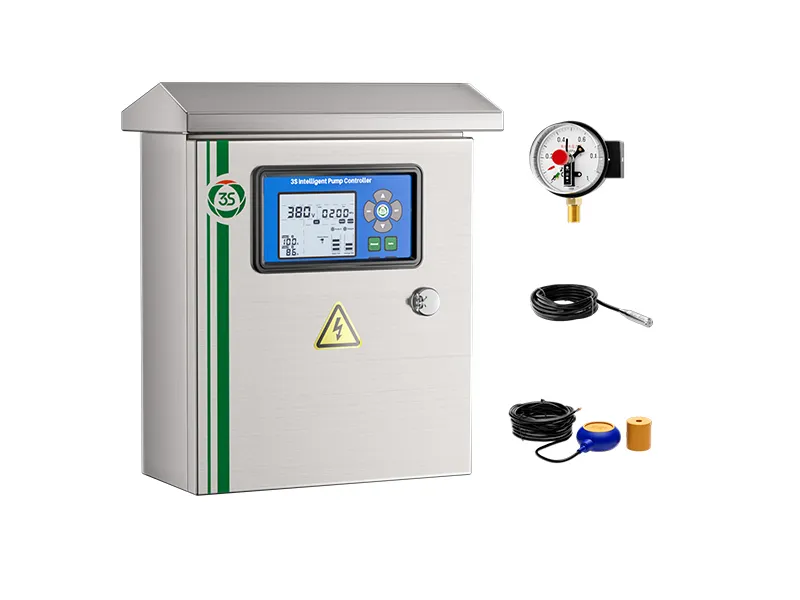
With multiple parameter groups, dual operating modes, and layered menus, a pump controller’s control panel can be challenging to navigate, especially for first-time users or operators who have not used the equipment for some time. Centered on the control panel, this 3S Pump Controller Operation Guide provides a systematic overview of six core functions: ON/OFF control, U-group and P-group parameter settings, menu navigation and value adjustment, Auto/Manual mode switching, fault record review, and rated-current self-learning. It helps users quickly master essential operating procedures, whether they are new to the equipment or simply need a quick refresher.
Stable pump operation depends not only on the controller itself, but also on correct field operation. In practice, the control panel integrates multiple functions, including start/stop control, parameter configuration, mode switching, and fault diagnosis. The required button combinations and menu structure are not always immediately intuitive:
For these reasons, a guide focused specifically on the control panel and its operating procedures can help lower the learning curve and improve efficiency in both daily operation and fault handling.
The 3S Pump Controller Operation Guide focuses on the control panel and explains the following six key functions step by step:
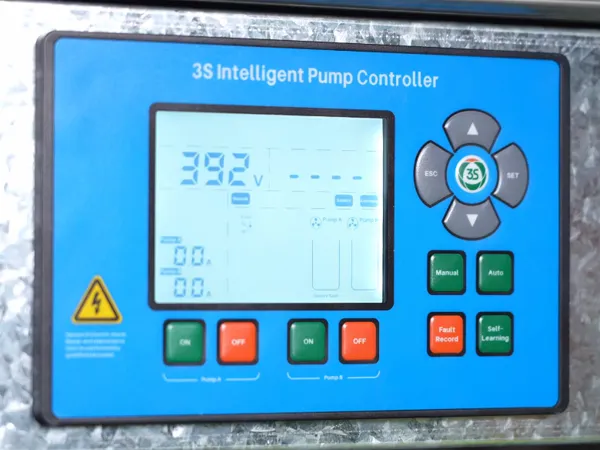
ON/OFF: The basic panel operation for starting or stopping the pump directly.
U-Group and P-Group Parameters: Different parameter groups serve different control functions. The guide explains the functions and setting procedures of the U and P groups, helping users make targeted adjustments.
▲ / ▼ Menu Navigation and Value Adjustment: Use the ▲ and ▼ buttons to navigate menus, adjust parameter values, and review operating information.
Auto and Manual Modes: Learn how to switch between Auto and Manual modes to select the appropriate control method for different operating conditions.
Fault Records: Access historical fault records through the control panel to support troubleshooting and maintenance and help reduce diagnostic time.
Rated-Current Self-Learning: Learn how to use the rated-current self-learning function to help the controller identify the pump’s actual operating current and establish a more suitable reference for subsequent protection and monitoring.
Together, these six functions cover the main operating workflow of the control panel, from pump start/stop and parameter configuration to routine monitoring and fault handling.
Whether users are new to the 3S Pump Controller and need to complete the initial setup, or experienced operators looking to review essential procedures, this guide provides a step-by-step reference to the control panel’s main functions.
Q: What is the difference between the U-group and P-group parameters?
A: The U and P groups contain different categories of controller operating parameters, with different functions and setting procedures. Users are advised to follow the procedures provided in the guide and verify each parameter before making adjustments to avoid unintended changes that could affect equipment operation.
Q: How should Auto and Manual modes be selected?
A: The two modes are intended for different operating conditions. The appropriate selection should be based on the actual application and operating requirements. The guide explains how to switch between the two modes and the situations in which they are used.
Q: What is the purpose of the rated-current self-learning function?
A: This function helps the controller identify the pump’s actual operating current more accurately, providing a reference that better reflects the actual operating conditions for current-related protection and monitoring functions.
From basic ON/OFF pump control to the more advanced rated-current self-learning function, the 3S Pump Controller Operation Guide focuses on the control panel and provides a structured overview of the functions most commonly used in everyday operation.
 English
 Español
 русский язык
 Français
 اللغة العربية